

Bundled plugins
These ship with the app, update with app releases, and cannot be uninstalled:Registry plugins
These install from the registry when you need them:Installing plugins
To browse the catalog instead of waiting for a connection to need something, open Settings > Plugins > Browse and filter by category: Database Drivers, Export Formats, Import Formats, Themes, Other.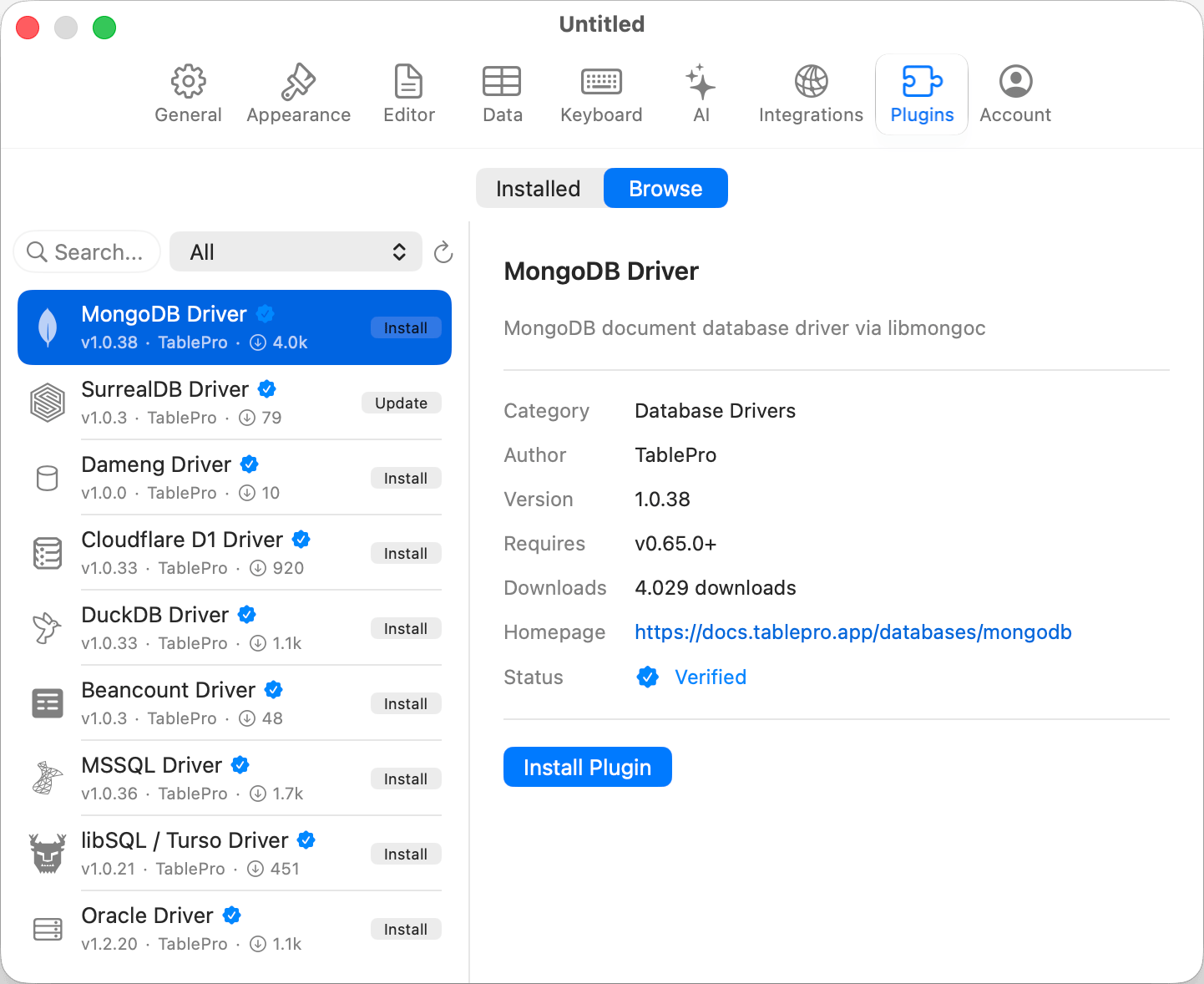
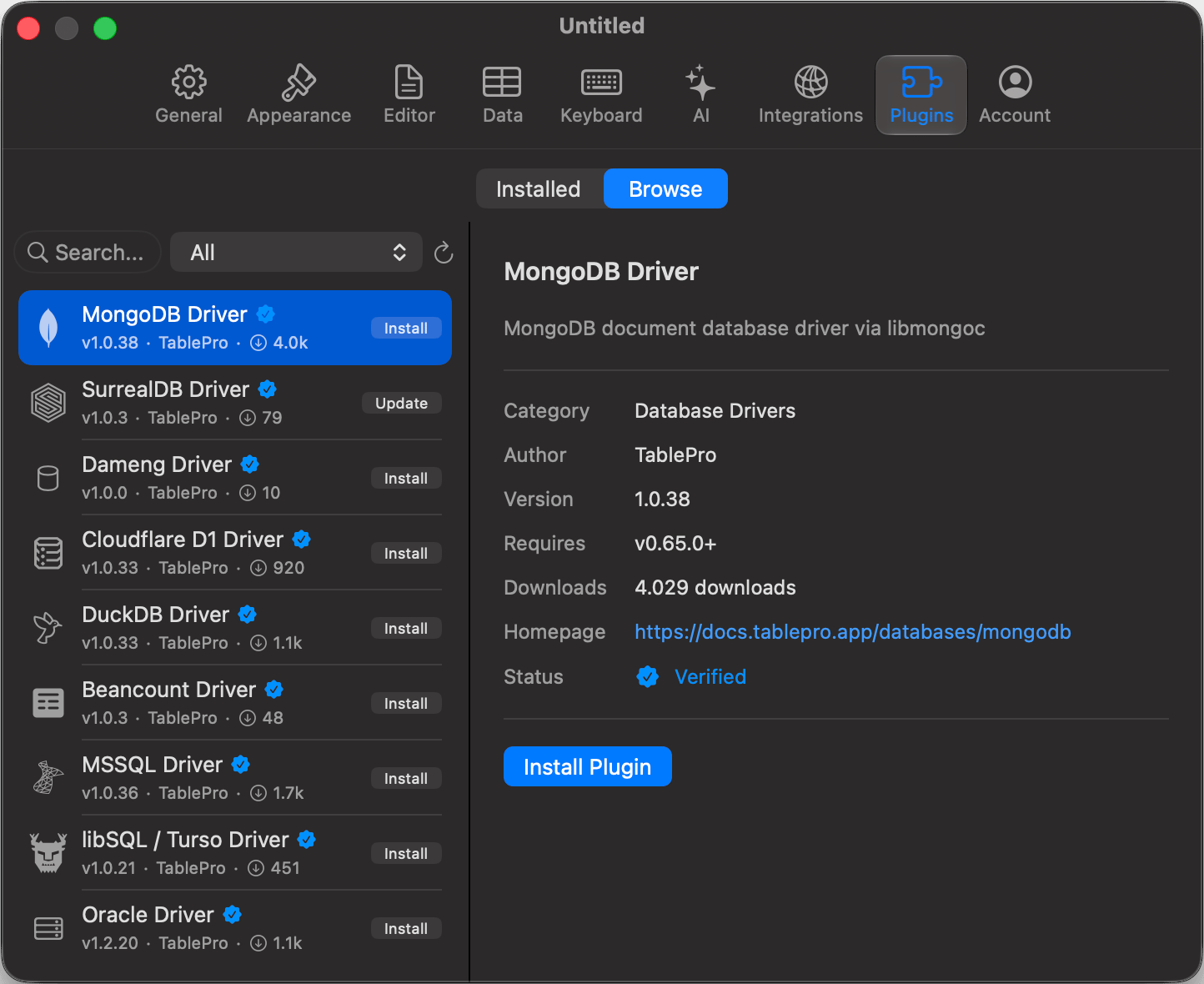
Browse and install plugins from the registry
.tableplugin or .zip onto Installed, or click the + button there. User-installed plugins live in ~/Library/Application Support/TablePro/Plugins.
Every plugin is verified before it loads. A registry download must match the SHA-256 checksum in the registry manifest, and the bundle must carry a valid code signature.
Plugins from other developers
A plugin TablePro signed itself installs with no extra step. A plugin signed by someone else installs only after you agree to trust that developer: TablePro asks once, naming the developer and their Apple Team ID, and discards the plugin if you decline. Unsigned and ad-hoc signed bundles are refused outright, with no override. Say yes only if you would give that developer your database credentials, because that is what you are granting. A driver plugin runs as part of TablePro and can read the credentials of every connection you open. Trust is per developer, not per plugin, so later plugins and updates from the same developer install without asking again. Withdraw it in Settings > Plugins to stop every plugin signed by that developer from loading. Themes are different: they are JSON with no executable code, so they need no signature and never ask. They are still checked against their SHA-256 checksum.Updates
The Plugins settings tab carries a badge counting pending updates and plugins that failed to load. Select a plugin under Installed to see its installed version, then click Update. If a driver has open connections, the update is staged instead of applied. The staged version activates when the last connection using the driver closes, or click Activate Now after closing them. Quit before it activates and the update is offered again on next launch.After an app update
An app update can raise the plugin interface version. Plugins built against the old version are rejected at load instead of crashing, and TablePro repairs them itself: at launch it reinstalls a compatible build of each outdated plugin, retrying in the background if the registry is unreachable. Connecting to a database whose plugin is outdated updates that plugin first. Until a plugin is repaired, it appears in a banner in Settings > Plugins > Installed with the reason and an action:Managing plugins
In Settings > Plugins > Installed:- The switch beside a plugin’s name unloads its drivers and formats without deleting it. Switch it back on to reload.
- Uninstall removes a user-installed plugin from disk. Bundled plugins cannot be uninstalled.
- The detail pane shows version, bundle ID, capabilities, database type, and default port. Plugins with their own settings show them here.